Redbark for iPhone
A native iPhone app for your bank and brokerage accounts. See your net worth, accounts, spending and investments, with your data encrypted on your phone.

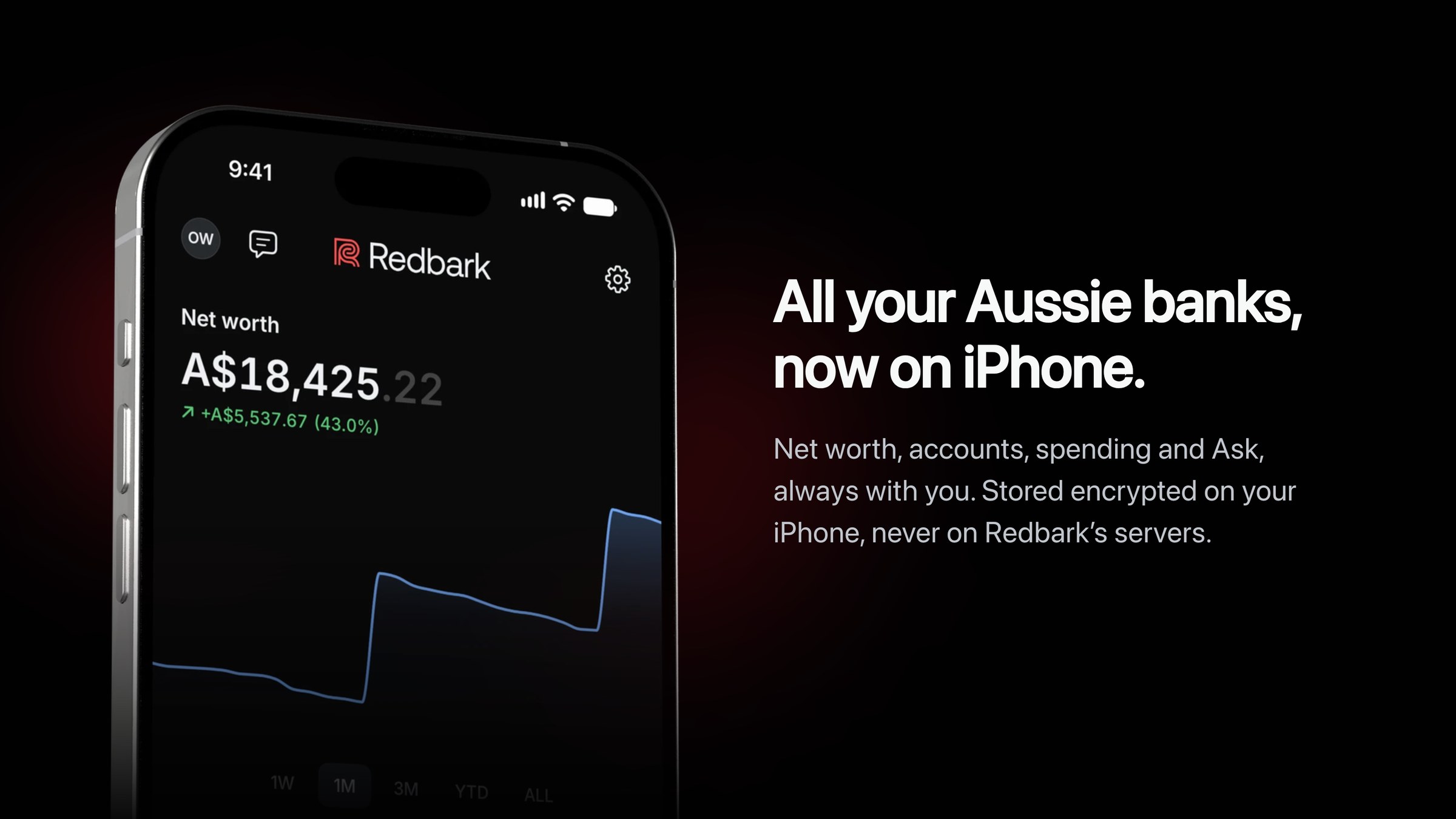
Redbark has always been about moving your bank data into the tools you already use. Google Sheets, YNAB, Notion, Airtable and the rest. Today we are adding a place to look at it yourself. Redbark for iPhone is available now on the App Store.
It is a native app built for iPhone. You can create an account in the app, connect your banks and brokerages, and see everything in one place.
Why iPhone?
Most money questions are small. What is my balance? What did I spend this week? Did my pay come in?
A spreadsheet is a good home for your transactions. It is a poor way to answer a quick question on a phone. We wanted something you can open, read and close in a few seconds.
We also wanted to keep our privacy model. Redbark does not store your transactions in our database. So the app keeps your data on your iPhone instead.
Net worth at a glance
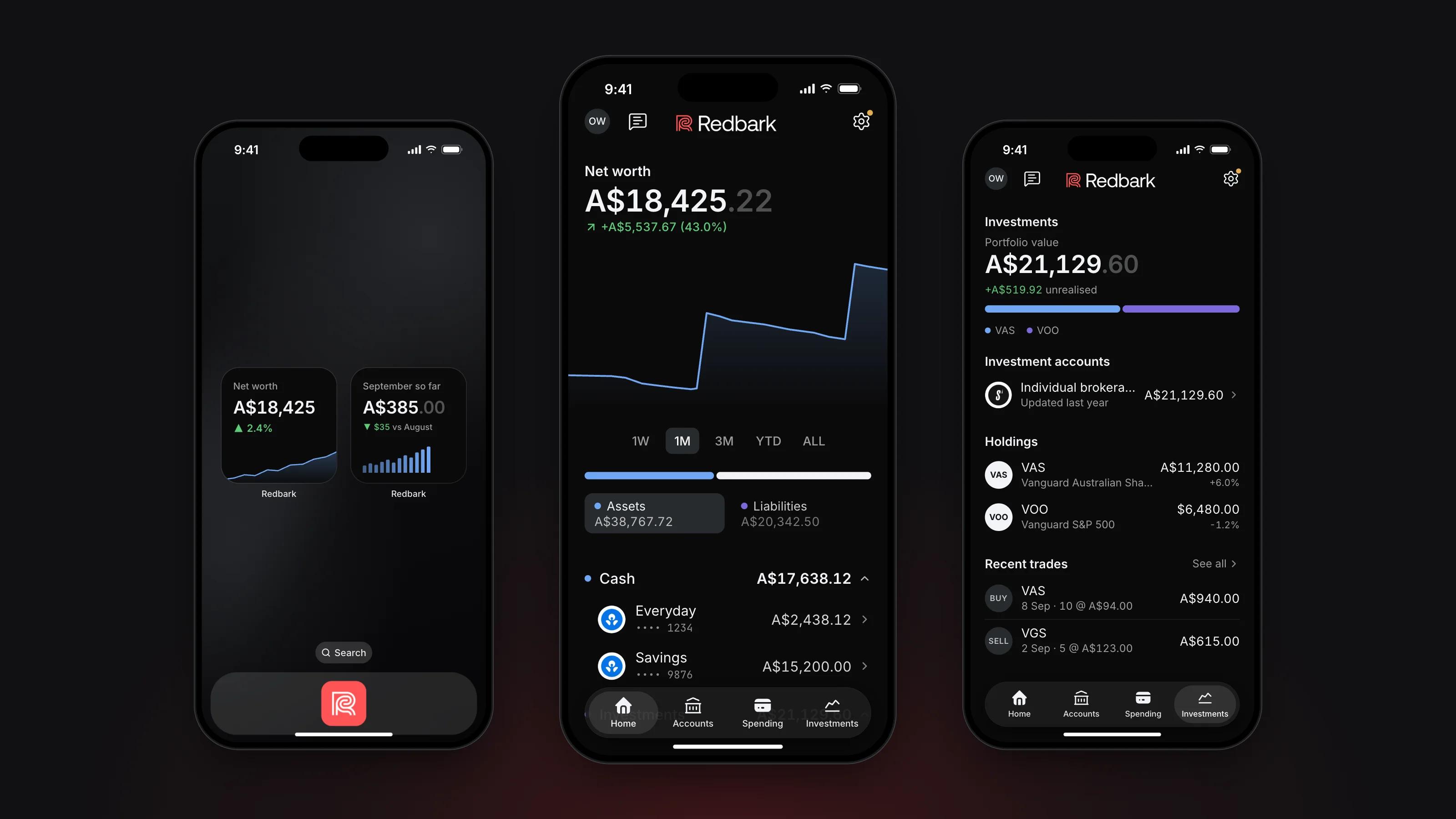
Home adds every connected bank, card, loan and brokerage into one net worth. The chart shows how it has moved, and you can drag along it to see any day. Switch between assets and liabilities to see what you own and what you owe. You can hide any account you do not want counted.
The app loads your last seven days first, so you can start straight away. It then loads up to two years of banking history in the background. Pull down on any screen to refresh.
Accounts
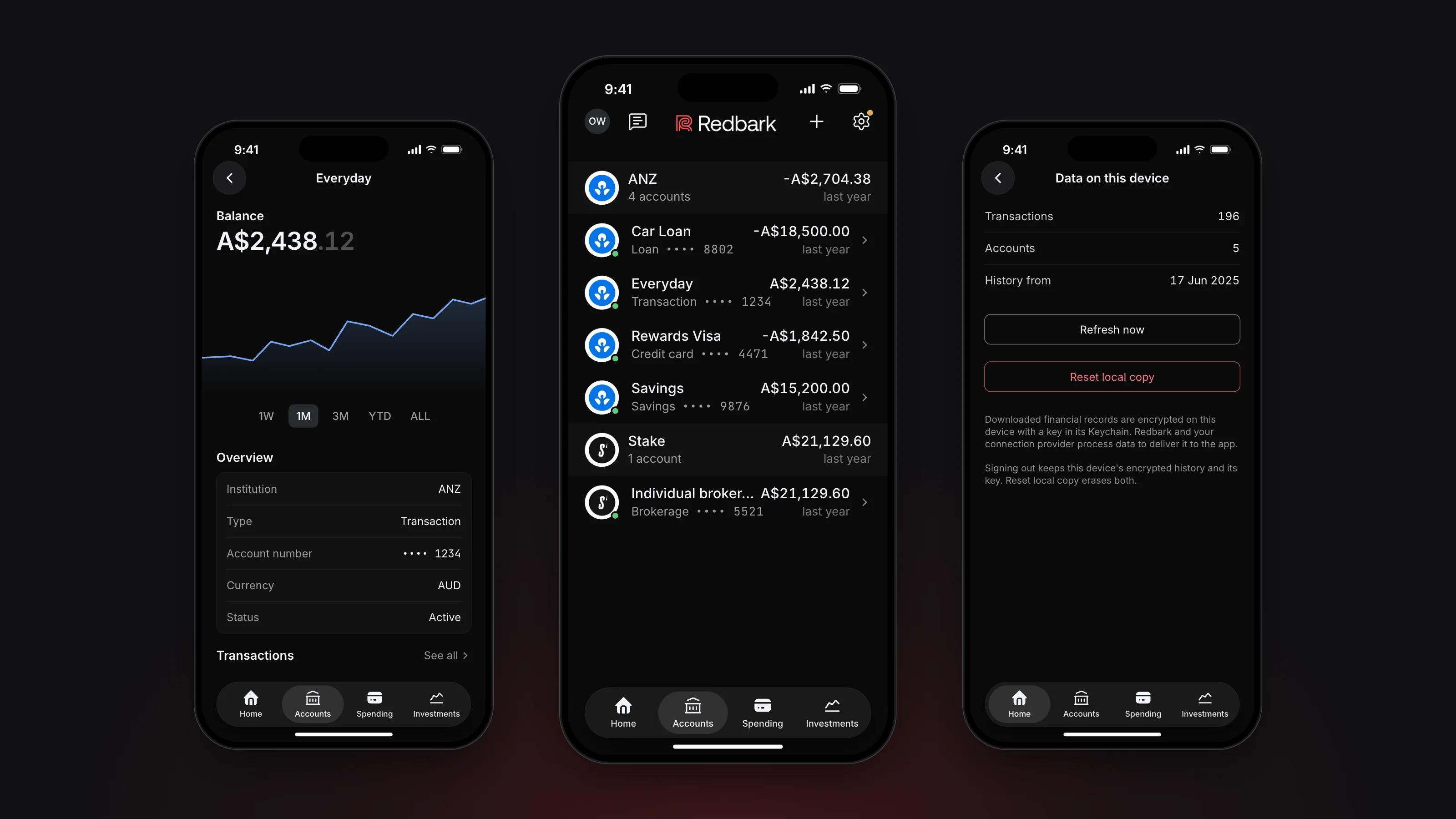
Accounts lists each bank you connect, with every account and its balance. Tap an account to see its balance history, its details and its latest transactions. Home loans also show the next repayment, loan details and redraw or offset, when your bank shares them.
Transactions and spending
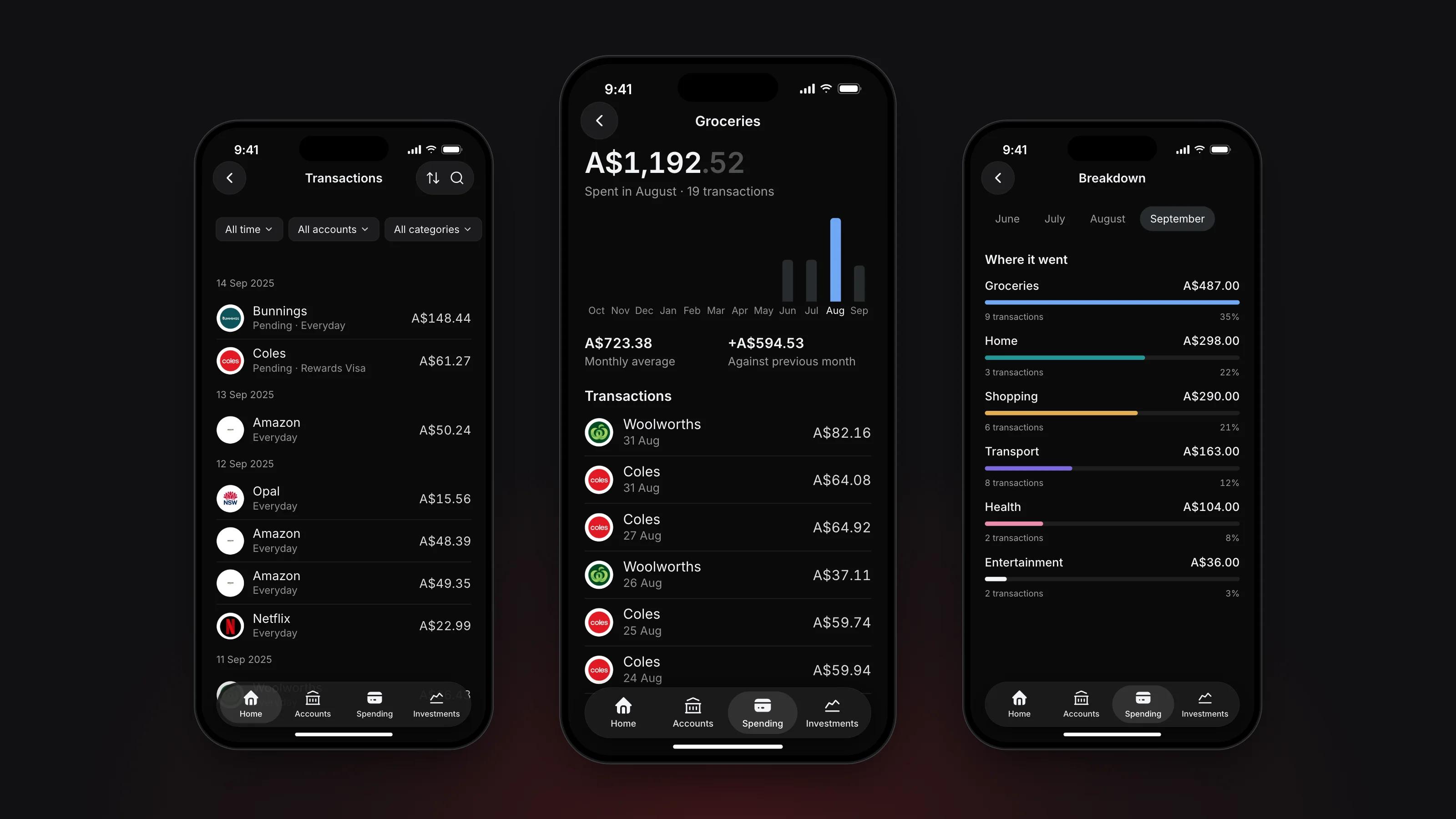
Search every transaction, and filter by period, account or category. Spending shows this month day by day and breaks it down by category. Open a category to see the transactions behind it, or compare income and spending month by month. You can change a category, add a note or attach a receipt to any transaction.
Investments
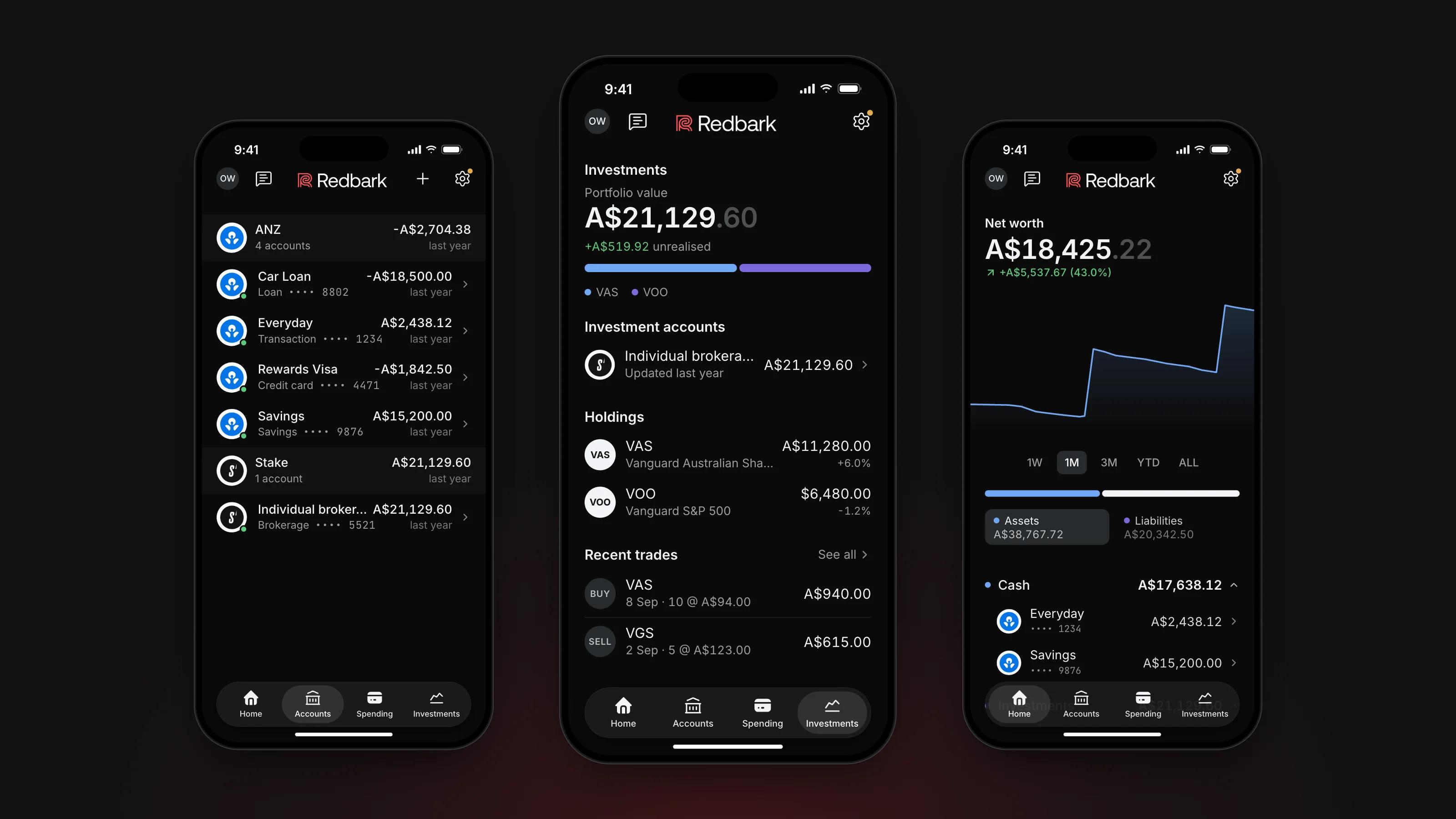
Investments shows your portfolio value across every brokerage account and the unrealised gain. Open a holding to see its units, current and average price, and its trades. Brokerage accounts need the Professional plan.
Ask
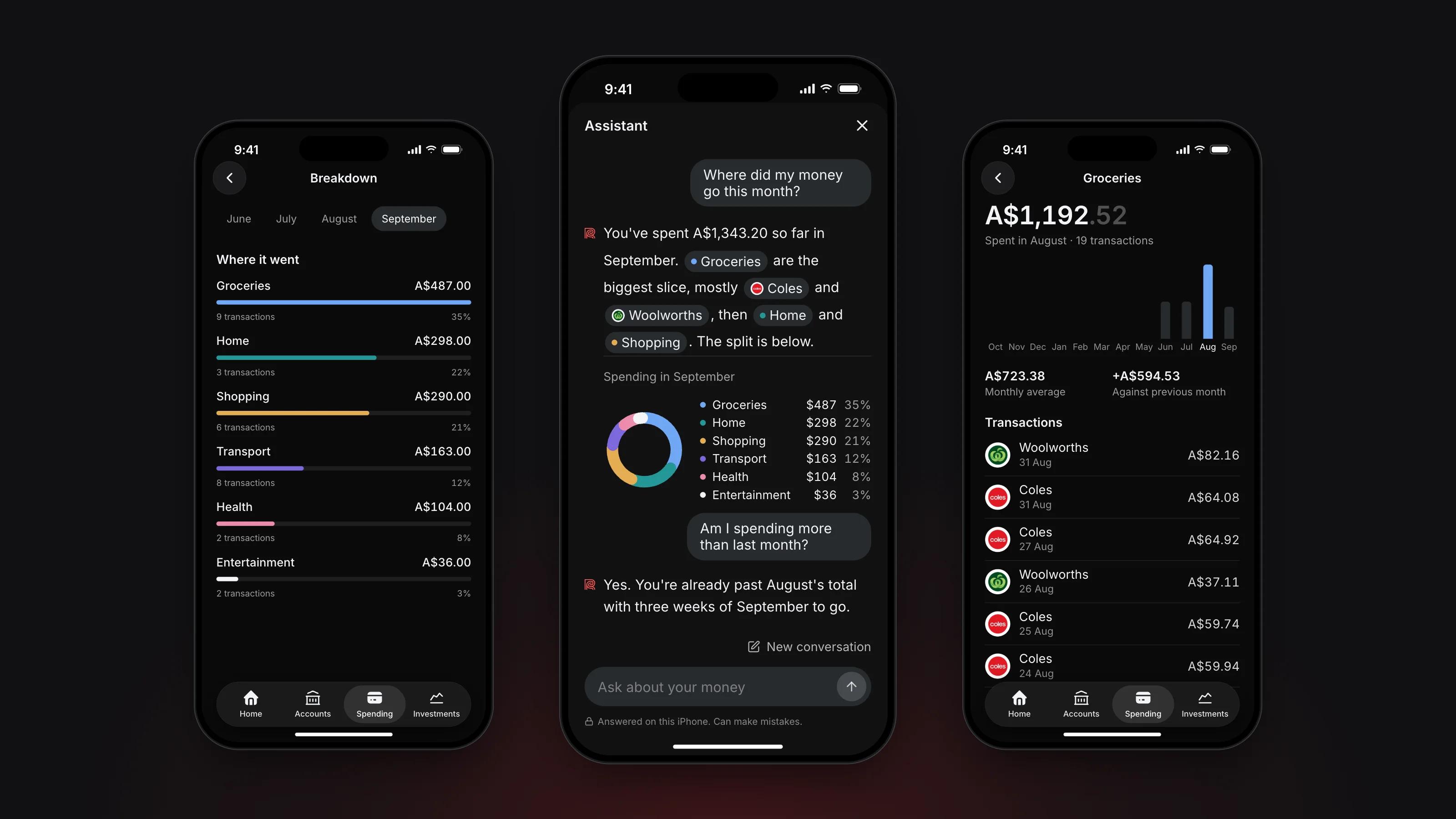
Ask lets you type a question about your money and get an answer from your own data. Try "What am I paying for every month?" or "What did I spend the most on this month?".
Answers are worked out on your iPhone by Apple Intelligence. Your question and your data are not sent anywhere. The conversation is not saved, so it is gone when you close it.
Privacy
Your financial data is stored on your iPhone in an encrypted database. We do not keep it in a server-side ledger.
Encrypted iCloud sync is on by default, so another of your devices can restore your data. The records are encrypted by the app before they reach iCloud, and Redbark cannot read them. You can turn iCloud sync off in Settings.
The app locks with Face ID, Touch ID or your passcode, on by default. It asks again after ten minutes in the background. You can also turn on the privacy shield, which covers the app in the app switcher and during screen recording.
Australian banks connect through Fiskil under the Consumer Data Right. New Zealand banks connect through Akahu, and US banks through Plaid. Brokerages connect through SnapTrade. Redbark never sees your bank password.
Requirements and plans
- An iPhone running iOS 18 or later.
- Ask needs iOS 26, Apple Intelligence and a supported iPhone.
The app is included with the Saver, Developer and Professional plans. Brokerage accounts need Professional, as they do on the web. See pricing for the full comparison.
If you are new, you can start a 7 day trial in the app without a card. You can subscribe through Apple, monthly or yearly. If you already have a Redbark account, sign in with the same details and your connections will be there. If you subscribe on the web, your billing stays there.
Syncs, destinations and the API are still managed in the Redbark web app.
What's next
This is our first version, and we want to hear how you use it. Tell us what you want to see next at support@redbark.com.
Get Redbark for iPhone
Download the app from the App Store, or read more about what it does.