
How to Sync Australian Banks with Actual Budget
A step-by-step guide to connecting your Australian bank accounts to Actual Budget with Redbark's SimpleFIN support, for automatic native bank syncing.


Native Australian bank syncing for Actual Budget
Actual Budget is the best zero-based budgeting app you can self-host. It is local-first, fast, open source, and it does envelope budgeting properly, which is why so many people landed on it after leaving YNAB.
The catch for Australians has always been the bank feed. Actual ships three sync providers out of the box: GoCardless for Europe, Pluggy.ai for Brazil, and SimpleFIN for North America. None of them covered Australian banks, so you were stuck importing CSV files by hand every week.
Redbark now speaks SimpleFIN natively, so Actual can pull live data from 100+ Australian banks through regulated Open Banking. Setup takes about five minutes, and this guide walks through every step with screenshots.
What you need before starting
- A running Actual Budget instance (self-hosted or on Actual Cloud)
- An Australian bank account with one of the 100+ supported institutions (ANZ, CommBank, NAB, Westpac, Macquarie, Up, and most smaller banks and credit unions)
- A Redbark account (7-day free trial, no credit card required)
Step 1: Connect your bank to Redbark
If you have not already, sign up for Redbark and add a connection: click "Add Connection" and choose Australian Banks. This takes you to Fiskil's consent screen, where you select your bank, log in with your bank directly, and approve a CDR consent for Redbark to read your account and transaction data.
Fiskil is accredited under the Consumer Data Right, so your bank is legally required to share your data when you consent, and nobody except your bank ever sees your banking password. The whole flow takes about a minute, and your accounts appear in the Redbark dashboard straight after.
Step 2: Generate a SimpleFIN setup token
Head to Settings → API & MCP and find the SimpleFIN section.
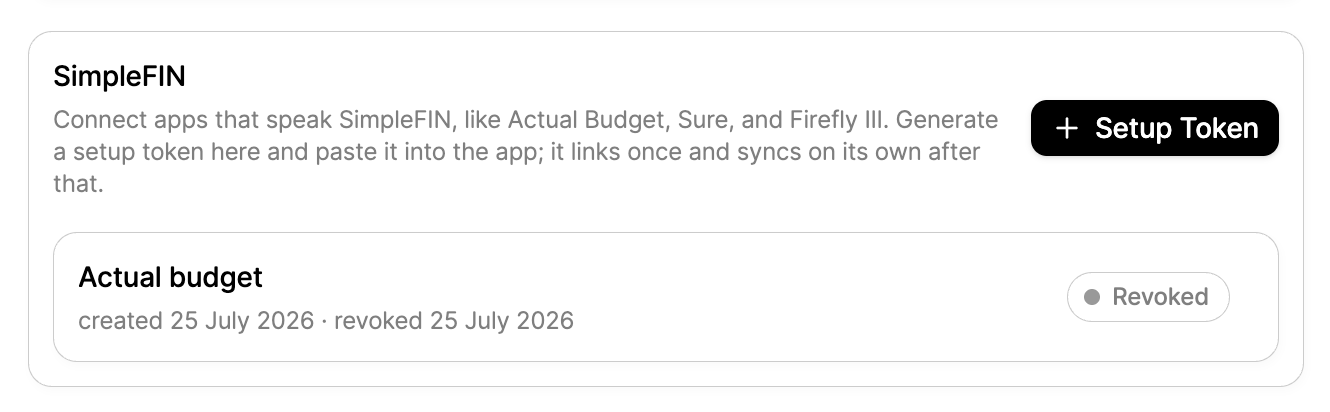
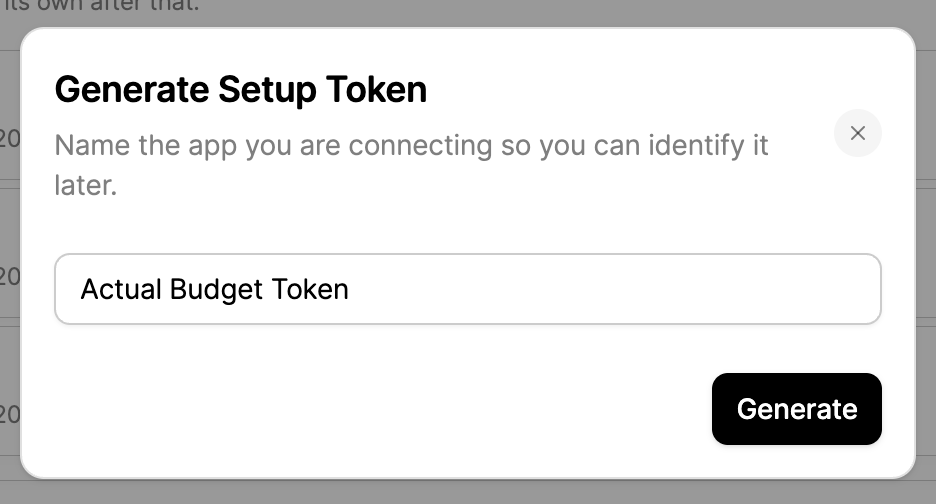
Click "Setup Token" and give it a name so you can identify it later. Something like "Actual Budget Token" works.
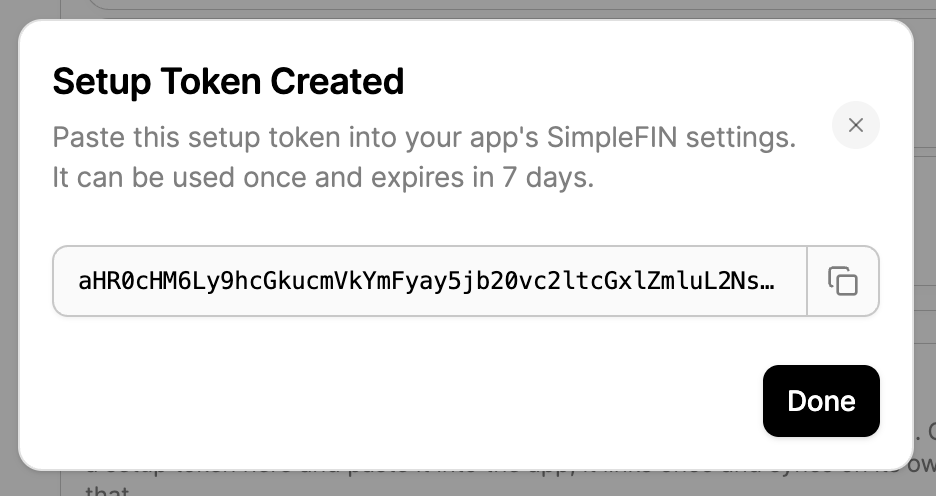
Redbark generates a one-time setup token. Copy it now: it is shown once, can be claimed once, and expires in 7 days if unused.
Step 3: Configure SimpleFIN in Actual
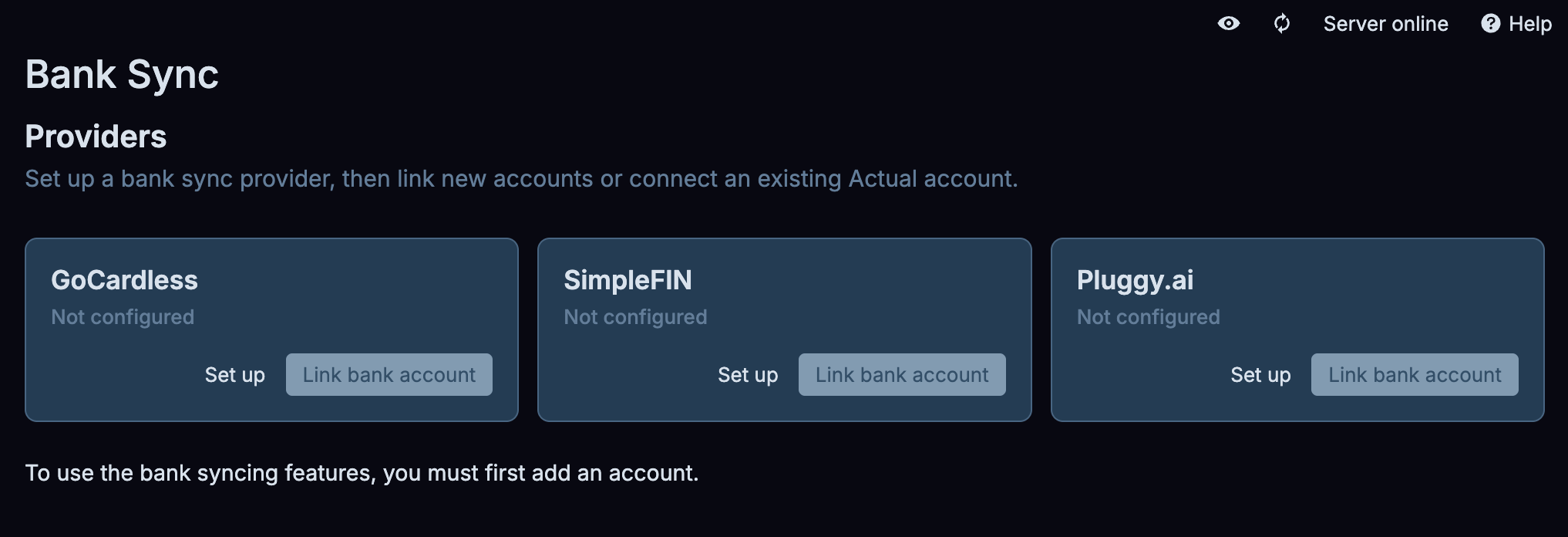
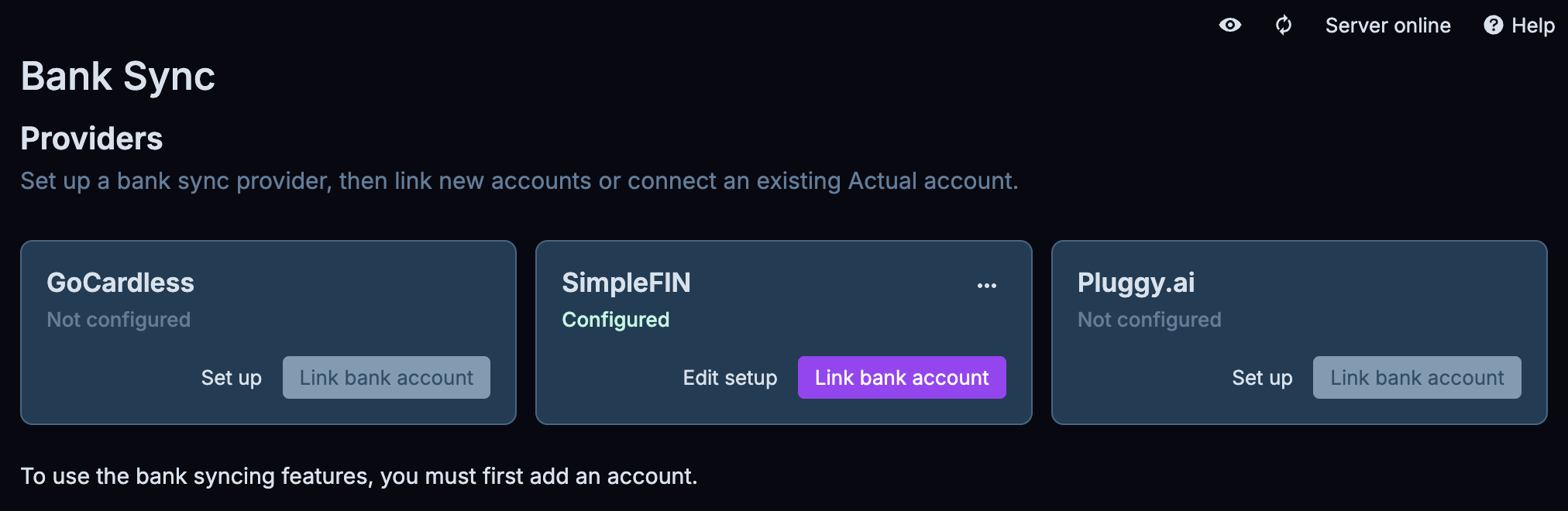
In Actual, open Settings, scroll to Bank Sync, and you will see the three providers. Click "Set up" under SimpleFIN.
Actual's dialog says SimpleFIN is for North American banks and points you at simplefin.org. Ignore that: paste your Redbark setup token in the Token field and click "Save and continue".
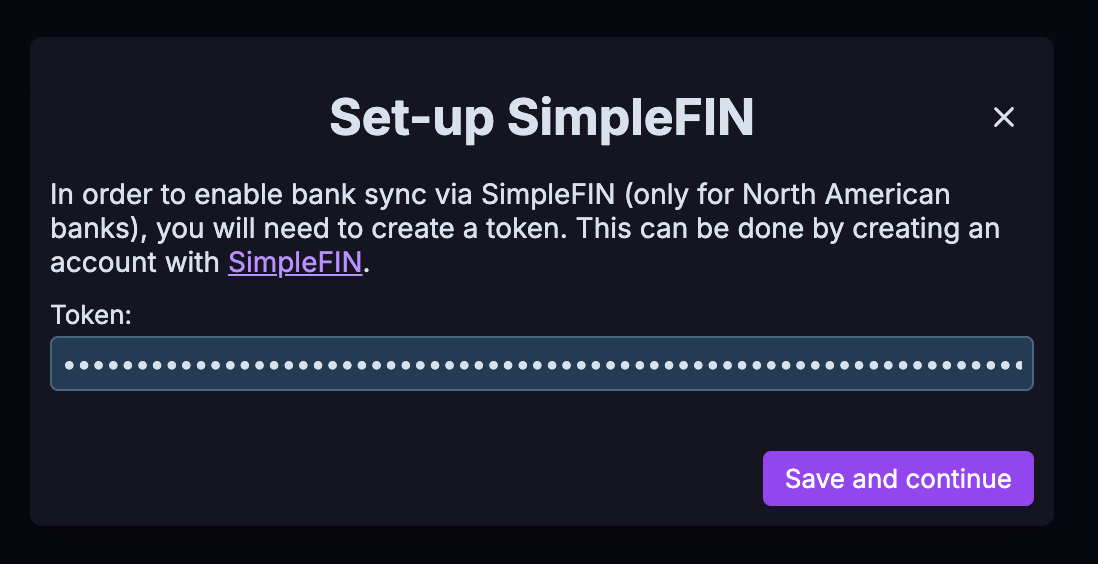
Behind the scenes, Actual claims the token from Redbark and receives its own private, read-only credentials. Actual can never move money, and it never sees your bank login. Once it is done, SimpleFIN shows as Configured and the "Link bank account" button lights up.
Step 4: Link your accounts
Click "Link bank account". Actual fetches every account Redbark can see and lists them with live balances, so it is easy to tell them apart.
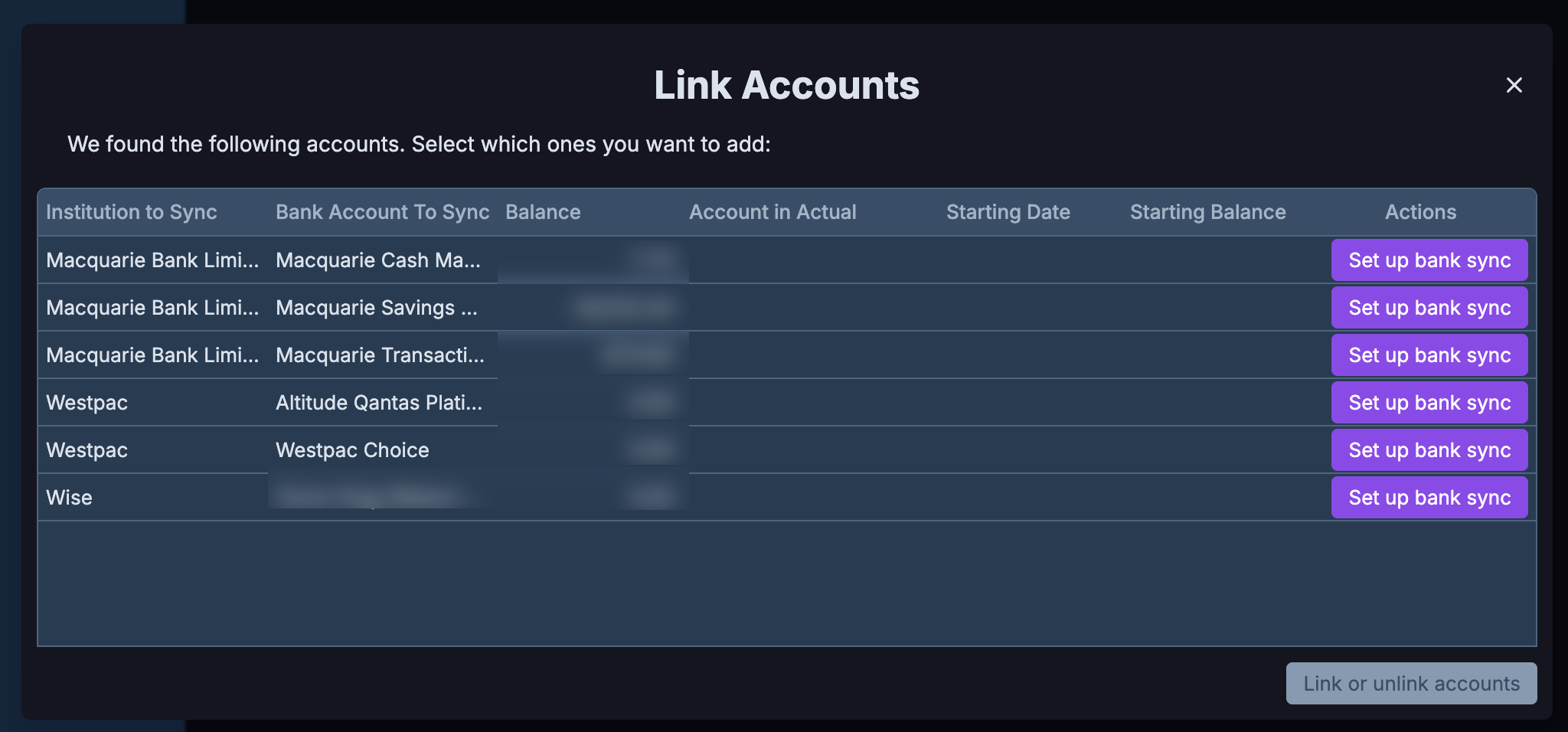
For each account you want in your budget, click "Set up bank sync". You can either point it at an account that already exists in Actual, or create a new one. Actual also asks for a starting date and starting balance: the date is where it begins pulling transactions, and the balance is the opening figure it reconciles from.
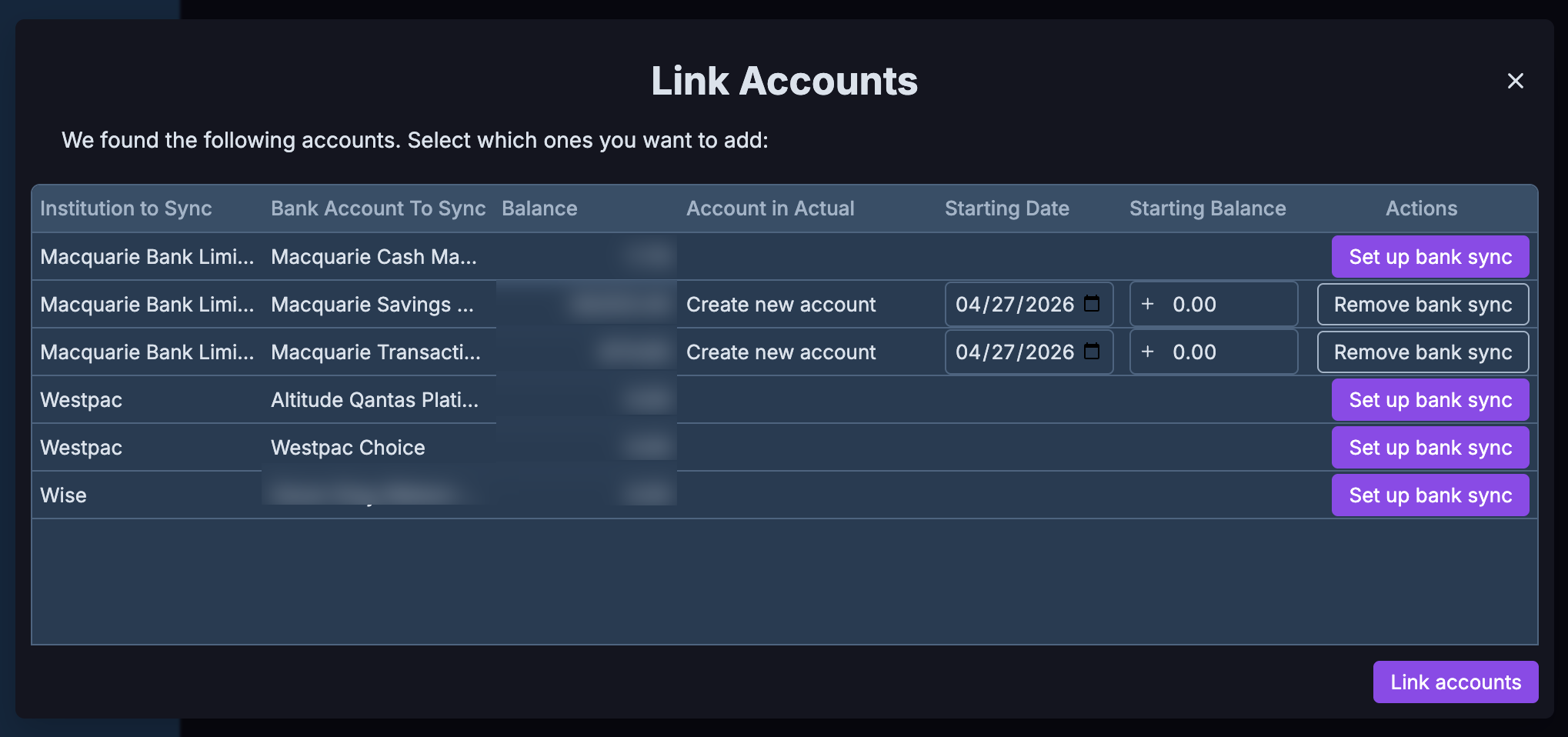
Set the starting date to something sensible rather than leaving it wide open. A few months back is usually plenty, and it keeps the first sync quick. When you are happy, click "Link accounts".
Step 5: Done. Your budget is live.
Actual pulls your transactions immediately and your budget fills in.
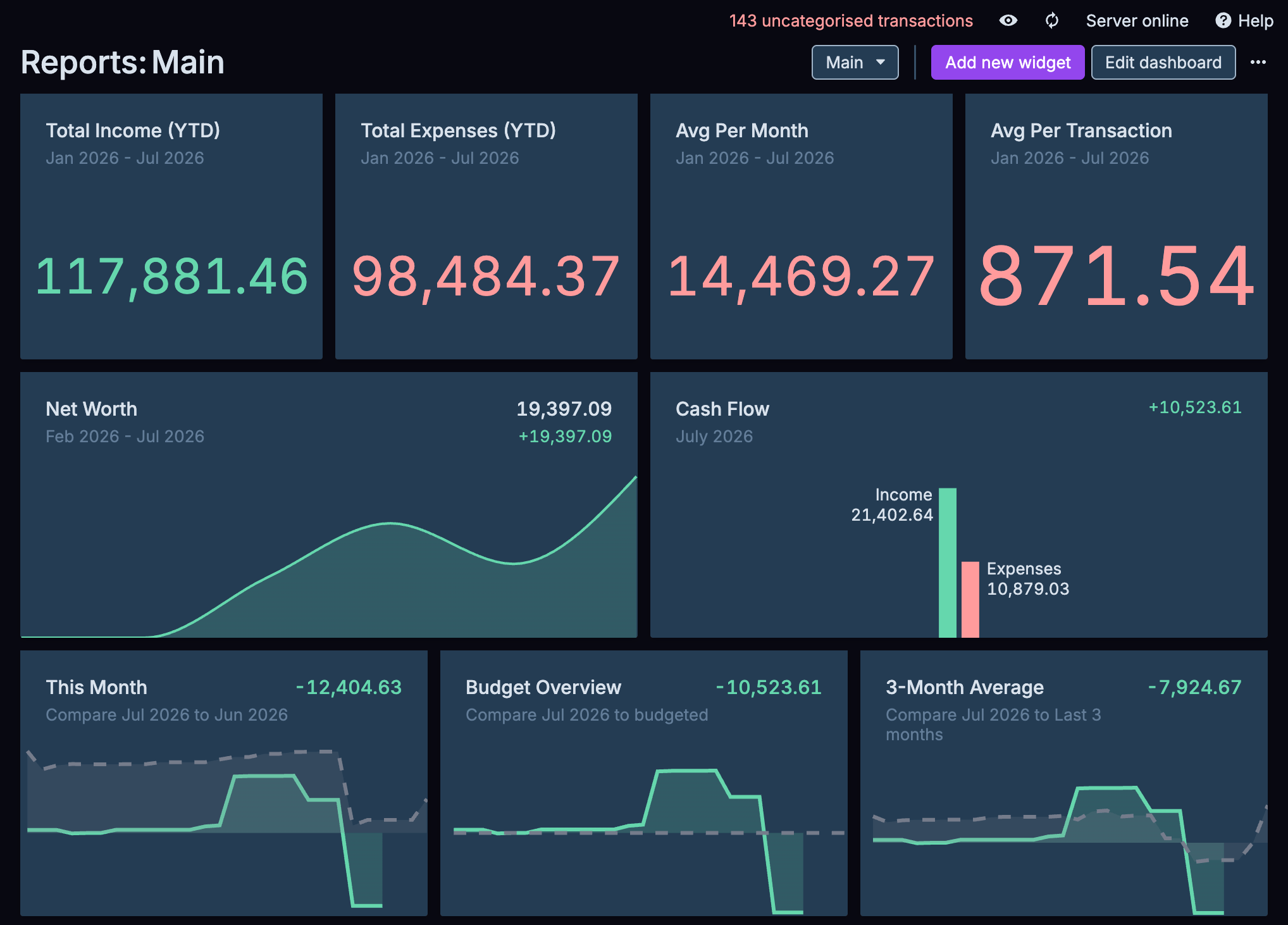
From here it works like any other Actual bank feed: hit sync (or let it run on open) and it pulls fresh data from your bank through Redbark. Transactions carry stable IDs, so re-syncs never create duplicates, and pending transactions reconcile cleanly once they post.
A few things worth knowing
- Nothing is stored on our side. Redbark proxies data live from your bank at the moment Actual asks. We keep no copy of your balances or transactions.
- Revoke any time. The SimpleFIN section under Settings → API & MCP shows every connected app. Revoking Actual's token cuts its access immediately without touching your bank consent or any other app.
- Connect more apps. The same flow works for Sure and the Firefly III importer, each with its own token.
- History. Actual backfills from the starting date you set, up to what your bank serves under CDR (typically two years).
- We sponsor Actual. Redbark funds Actual Budget's development, because an ecosystem where you can own your financial data is good for everyone.
SimpleFIN access is included on Redbark's Developer and Professional plans, and every account starts with a free 7-day trial, no credit card required. The technical details are in the SimpleFIN documentation.